Previously, if you had a 6th-gen iPod Classic, either 80GB, 120GB or “FAT rear” 160GB, your SSD upgrade options were limited to a maximum 128GB SSD due to Apple’s LBA addressing.
To overcome this limitation, we needed to install Rockbox, a 3rd party operating system for the iPod. While audiophiles love the never-ending options to tinker with the output sound, most folk prefer the easier-to-use standard iPod system coupled with iTunes. Rockbox offers an alternative to the iTunes interface, enabling your iPod to be used as a FLAC player, amongst other things.
Commonly supported formats in Rockbox.
- Lossy: MP3, AAC (in MP4/RM), WMA (Standard/Pro), Musepack, Speex, AC3.
- Lossless: FLAC, WAV, APE (Monkey’s Audio), ALAC (Apple Lossless).
- Other: Ogg Vorbis, M4B (for audiobooks).
Rockbox key advantages:
- Format Freedom: Supports formats like FLAC that stock iPod firmware doesn’t.
- Simple File Management: Acts like a standard USB drive for easy drag-and-drop transfers.
- DRM Removal: Can handle unprotected M4B audiobooks, though DRM-protected files (like older iTunes purchases) might need conversion.
So, how do we overcome Apple’s limitation?
Some iPod Classic 6th gens are limited to the firmware 1.1.2 (6G, 80GB/160GB fat), while others (6.5G 120GB) can’t go past the 2.0.1 firmware.
We need to flash a slightly newer, unmodified iPod Classic firmware. The best firmware to use on these limited iPod Classics is 2.0.2. This version is tried and tested to be the best fit for these hardware-locked iPod Classics and is by far the most stable version to use on these 6th-gen iPod Classics.
But, this isn’t easily accomplished. You cannot simply connect your iPod Classic to your PC or Mac and tell it to flash version 2.0.2. Your iPod is hard-coded to tell iTunes which version it requires, and the 6th-gen Classic can only ask for versions:
- 2007 iPod Classic 6th gen 80GB/160GB “Fat rear” – firmware 1.1.2
- 2008 iPod Classic 6th gen 120GB – firmware 2.0.1
So, we must trick iTunes into thinking the 6th-gen iPod Classic is a 7th-gen from 2009. A small software modification in the iPod’s boot code will trick iTunes into flashing firmware version 2.0.2!
Advantages of modifying.
After the modification is complete and your iPod 6th-gen Classic now believes it is a 7th-gen iPod Classic, there are a few advantages to using the newer firmware version.
- Some people report that the overall sound is much better.
- Larger SSD drives can be used up to 2TB.
- You can continue to use iTunes and even restore to 2.0.2 in the future.
- Better compatibility with charge plugs and power banks.
- Battery life is unaffected.
The disadvantages.
- Your serial number will change to a generic Classic 7th gen. This will not affect usability or restoration.
- 2.0.2-2.0.4 firmware requires at least iTunes 9 to sync. This can be a problem if you’ve planned to sync using a very old Mac, like a PowerPC G3 Mac that will be stuck with iTunes 8.
- Finder app on Sonoma and newer macOS versions seem to struggle restoring an iPod from DFU mode.
- You will lose all data on the iPod during the firmware upgrade process. There is no way to preserve.
- Still no support for headphone volume control or microphone on headphones, like a 7th gen, as this is a hardware limitation.
SSD Upgrades.
So, if you have a 6th-gen iPod Classic and now want to upgrade to a larger-than-128 GB SSD drive, we can do that!
Our regular cost to modify your iPod Classic 6th gen to an iPod Classic 7th gen is £40.
The cost is £20 when you choose to upgrade to an iPod Classic SSD with us.
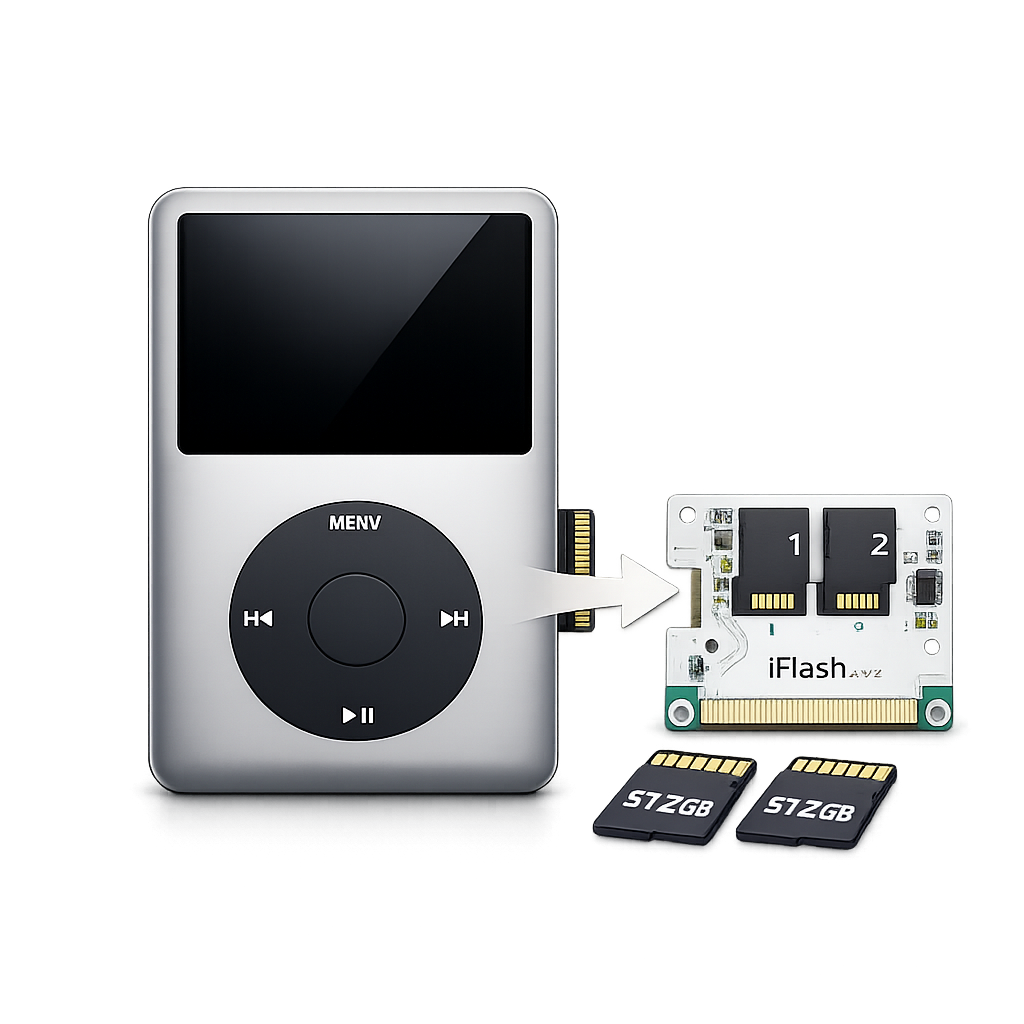
iPod Video/Classic SSD Flash Upgrade
We will complete your upgrade or repair within 3-7 working days. If ordering a custom-coloured part for replacement, please be aware that repair times can be up to 2 weeks.